Your customers log into the same app your team uses. Name + phone. Done.
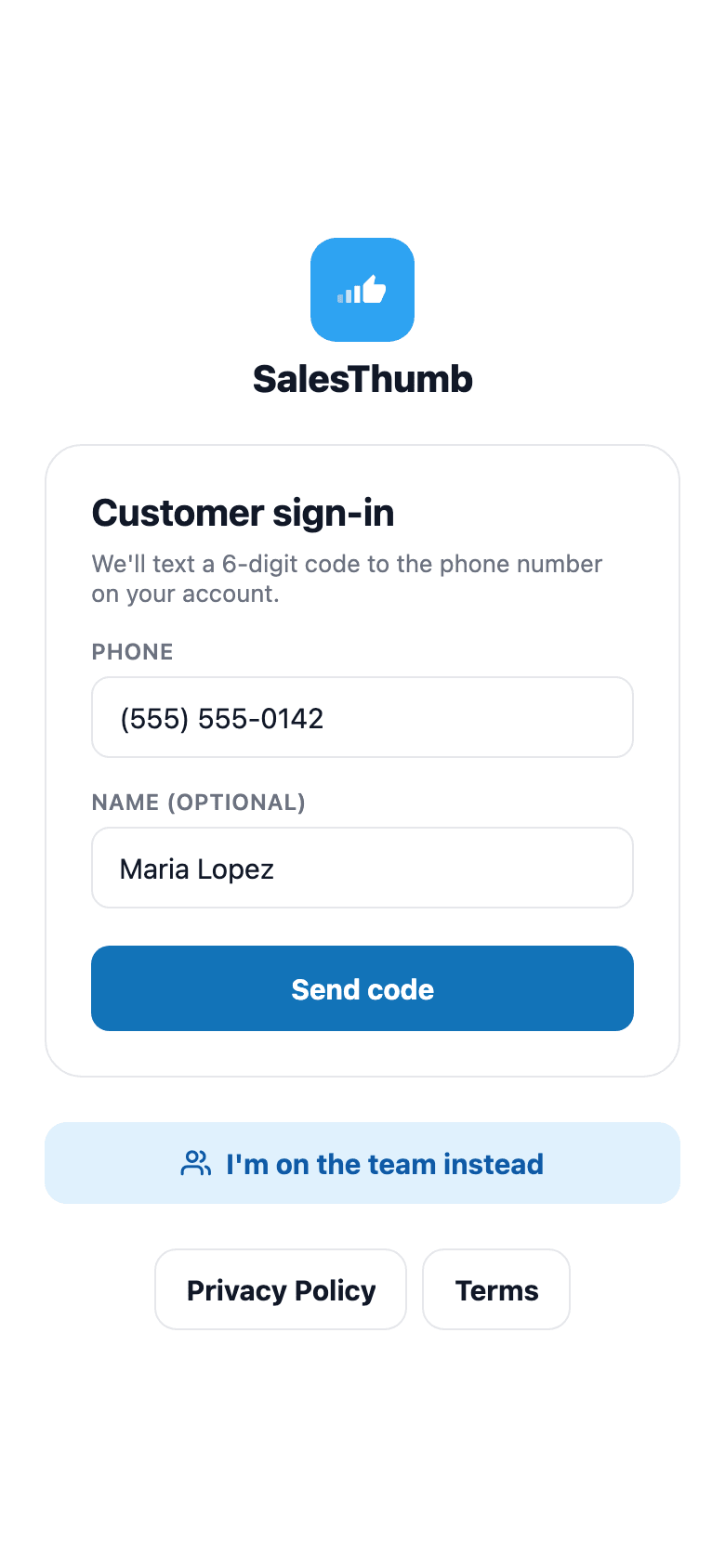
The all-in-one mobile app means your customer base doesn't need to download a second app to track their job or check their warranty. They open SalesThumb, type their name + phone, get a 6-digit SMS code, and land on a portal showing only their stuff.
The quick version
Customer login: Customers sign in to the same app with their name and phone.
- Passwordless SMS-code login (6 digits, 10-min TTL, 5-attempt lockout)
- Re-uses the existing 30-day customer portal token format
- Multi-shop disambiguation: active shops first, then the name hint, then the oldest matching record
Staff get a different login (email + password) and each employee's mobile role (installer, sales, both or none) decides which screens appear. No app-switching, no second download, no separate brand.
A closer look
01
One app for techs, sales and customers
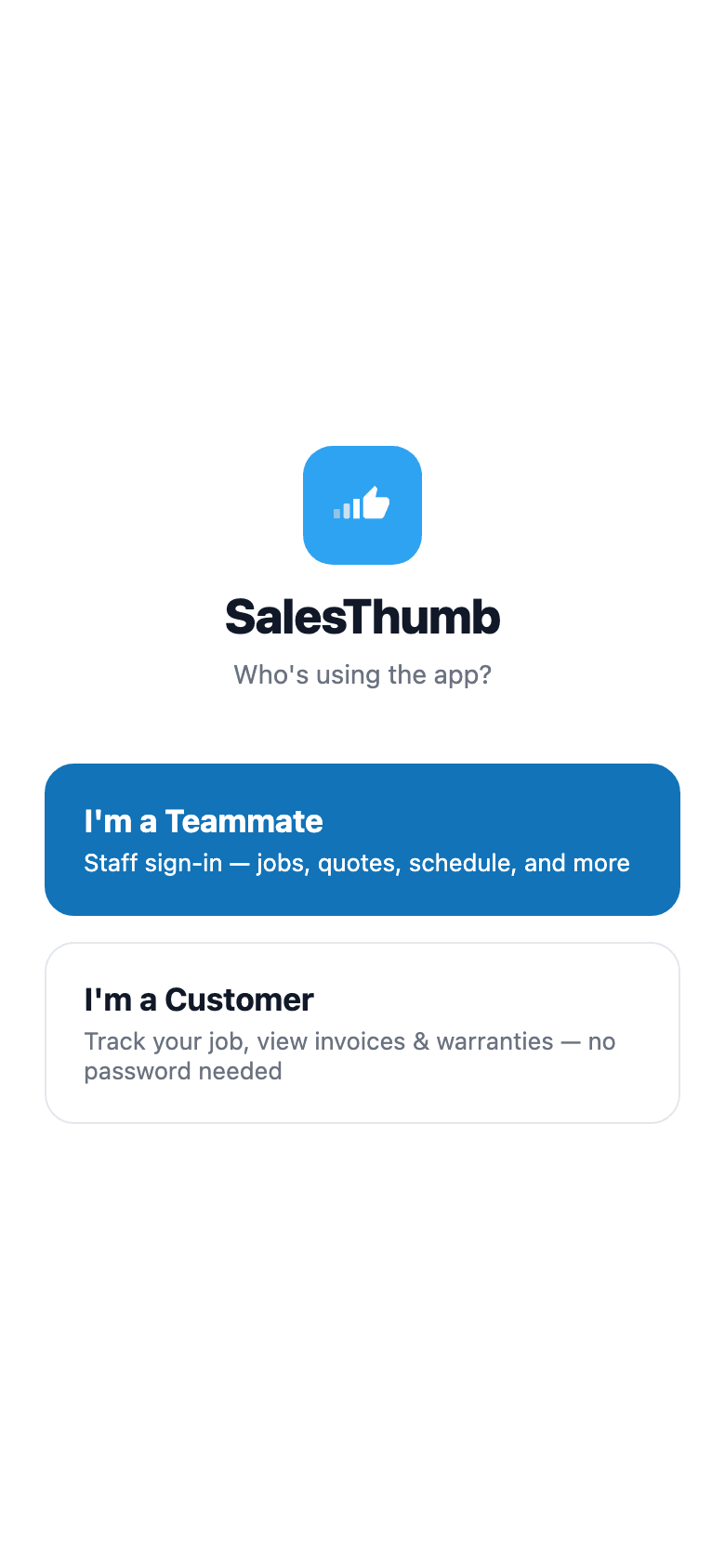
The mobile app lives in the App Store / Play Store as a single brand. The first-launch splash shows two big buttons: 'I'm a Teammate' and 'I'm a Customer'. Customers sign in with name + phone + a texted code; staff sign in with their usual email + password. Whichever sign-in is on the phone decides which screens open next time — the customer screens (Home / Garage / Profile) or the staff screens for that person's role.
- Single iOS + Android app, single brand on both stores
- Splash picker on first launch — no friction to find the right path
- Staff and customer sign-ins are stored separately — if both are on one phone, the staff side opens
- Push notifications work today on the staff side (new-job alerts, team voice messages); customer-side push isn't wired up yet
02
Why name + phone is safer than it sounds
Most apps use email + password (forgettable) or magic links (bounces in spam). Phone-based passwordless is the right shape for a service-business customer who probably booked their original appointment over the phone anyway. Three layers keep it secure: a 6-digit code (a million possibilities), a lockout after 5 wrong tries, and a limit of 3 codes per hour per phone. And asking for a code never reveals whether a phone number has an account, so nobody can use it to fish for customers.
- 10⁶ code space + 5-attempt lockout = effectively guess-proof in the 10-min window
- Codes hashed (SHA-256) before storage — DB leak doesn't expose codes
- Phone enumeration prevention (always-ok response) shut at the protocol level
- Token issued on success has a 30-day expiry and is revoked server-side when the customer signs out
SalesThumb™
Run, book, and track your jobs from one app.
Splash
Customer · Sample Shop LLC
See your job
Enter the phone number on your account.
Sign in
Code sent to ···2821
Enter the 6-digit code
Arrived in 4 seconds. Expires in 10 minutes.
✓ Verified · landing in your portal…
Didn't get it? Resend in 0:42
Verify
Everything it does
The complete list. The plan tag above shows which plans include it.
- Passwordless SMS-code login (6 digits, 10-min TTL, 5-attempt lockout)
- Re-uses the existing 30-day customer portal token format
- Multi-shop disambiguation: active shops first, then the name hint, then the oldest matching record
- Phone numbers matched the same way as incoming customer texts
- Enumeration-safe: requestCode always returns ok:true regardless of phone match
- 3-codes-per-hour rate limit per phone
- Constant-time hash comparison (SHA-256, no plaintext at rest)
- Mobile session auto-expires after 30 days; re-auth via the same flow
A tour of the screens
Every meaningful view, the path through it, and the moments that matter — so you know exactly what you're buying.
One app, two login paths
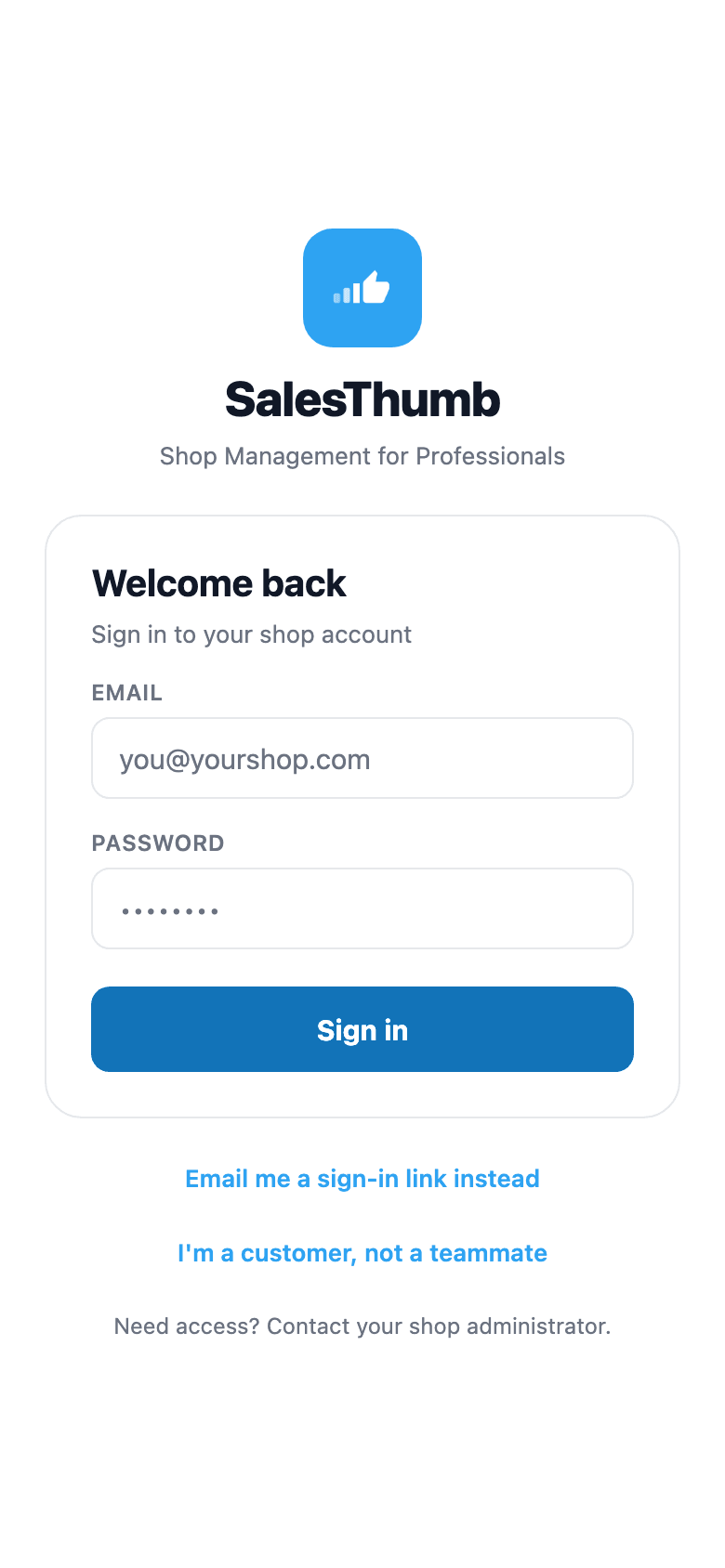
Customer flow uses passwordless SMS code; staff flow uses email + password.
Both live in the same app on the same App Store listing.
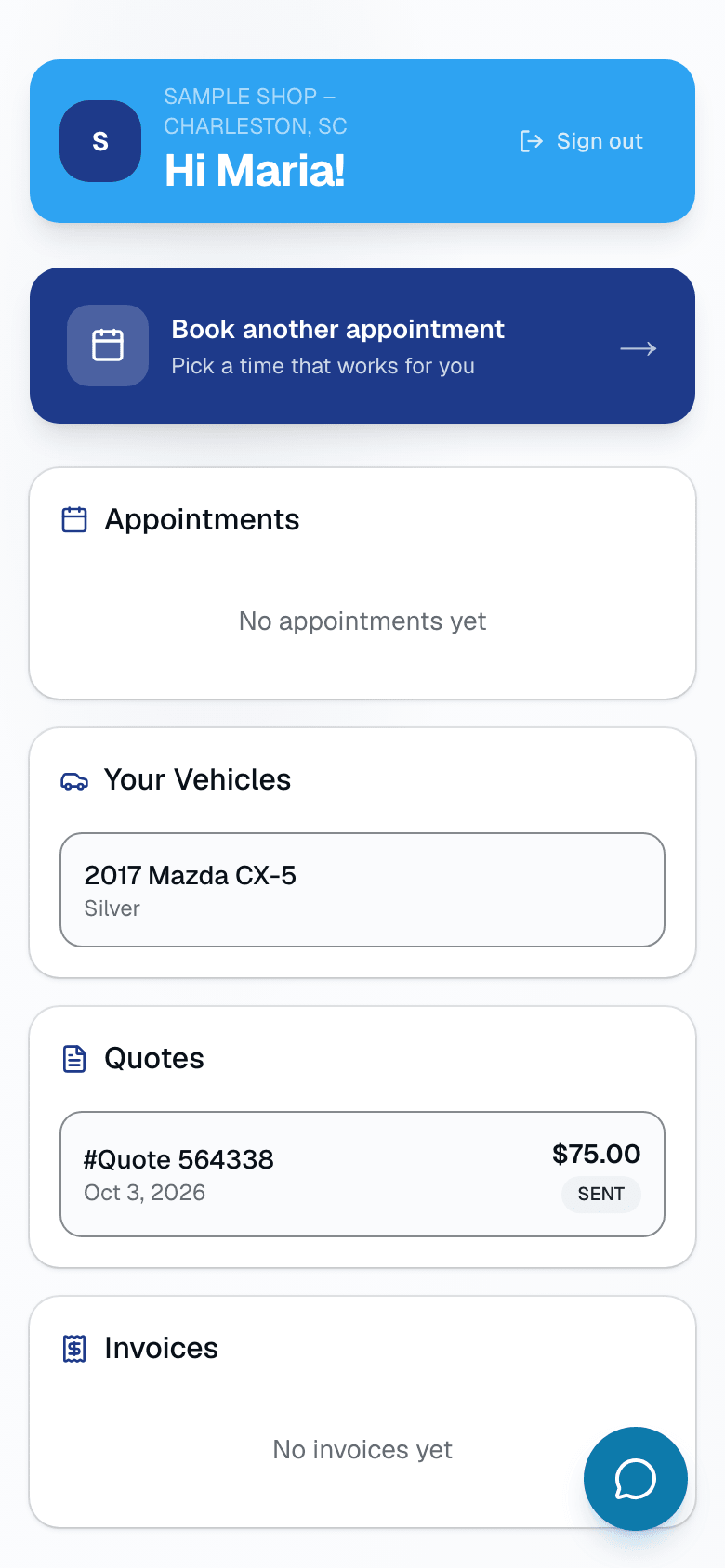
Customer home — their stuff only
Active job progress, upcoming appointments, quotes and invoices.
No staff data leaks; the portal token only authorizes the customer's own records.
Who it's for
Built specifically for…
- Shops whose customer base is phone-first (not email-first)
- Shops who want their customer portal to feel like an app, not a magic link in SMS
- Multi-location franchises where one customer might use 2-3 shops in the chain
What it replaces
The old way…
- 'Send me the link again' phone calls when the magic-link SMS got buried
- Customer-facing apps with email + password (forgotten passwords are a common support issue)
- Two separate apps (customer app + employee app) for the same brand
Setting it up
- 1
1. Splash → role pick
First launch: 'Are you a customer or team member?' Two big buttons. Customer route asks name + phone; staff route asks email + password.
- 2
2. Code arrives by text
Customer types their phone number and gets a 6-digit code by text. They type it in, and SalesThumb checks it and keeps them signed in on that phone for 30 days.
- 3
3. Customer tabs render
On launch, the app sees the customer sign-in and opens the customer screens: Home (active job progress, appointments, quotes, invoices, loyalty), Garage (per-vehicle warranty status), Profile (account + sign out).
What this looks like in a shop
Illustrative scenario: Sarah just got her Tesla tinted at Sample Shop LLC. The shop rang her up, she paid via pay link in the lobby. Two days later she remembers Mike said something about checking her warranty in the app, but she lost the SMS link. She downloads SalesThumb, taps 'I'm a customer', types Sarah Chen + 555-0142, gets a text with a 6-digit code, and lands on her account with the appointment history and the warranty cert for her Tesla. No password, no support call to the shop.
Good to know
- Which plan includes customer login?
- Growth and Pro include it. See the Pricing page for everything in each plan.
- What if a phone matches two shops in my chain?
- The code request picks one customer record: an active shop's record first, then the one whose first name matches the name they typed, then the oldest match. The code and the sign-in it creates stay tied to that one shop. Future enhancement: a shop picker on the second login if multi-shop is common in your customer base.
- What if texting is down?
- The app moves to the code-entry screen either way (we don't surface delivery failures, by design — that would leak which phones are registered). They can tap Resend code (up to 3 codes per phone per hour). Operator can also generate a fallback magic-link from /app/customers/<id> and SMS it manually.
- Can a staff member also be a customer?
- Yes — the two sign-ins are stored separately, but when both are on one phone the staff side opens, so they'd sign out of the staff account to see the customer side.
- Is this PCI / SOC 2 compliant?
- The auth flow itself doesn't touch payment data. The codes are hashed at rest, transmitted over TLS, expire in 10 minutes, and rate-limited. SalesThumb doesn't have its own SOC 2 report yet — see the Security page.
Works with your stack
Twilio
Delivers the 6-digit SMS code
Better-Auth
Powers the staff email+password side
Expo SecureStore
On-device token storage, encrypted at rest
Pairs well with
Mobile Apps
The installer app shows today's schedule, captures photos, clocks in/out, and updates job status. The customer app shows their active job's progress, appointments, quotes, invoices, and warranty status. Both are native iOS + Android apps, live now on the App Store and Google Play as the SalesThumb app; a fully white-labeled app under your own brand is further out on the roadmap.
Two-way SMS
However a customer reaches you — a text, an email, a Facebook or Instagram message, or WhatsApp — it lands in the same inbox, on the same customer, and you answer from there.
Automations
On Growth and up, pick a preset drip sequence — win back lapsed customers, follow up cold leads, or ask for a review after a completed job. It goes live the moment you choose a pace, so edit the messages right away or pause it until you have.
Job Photos
Every appointment gets a photo gallery. Techs capture on mobile (Growth and Pro; the app is view-only on Starter). Customers see a polished post-install gallery. On Pro, AI looks at the damage photos on a vehicle inspection and drafts the damage note for you. You protect yourself from 'it was like that when you got it' claims.