Your team's login. Separate from your customers', on purpose.
Staff and customers share one app, not one login. Techs and owners sign in with the email + password they already use on the web dashboard — same account, same permissions, no second set of credentials to manage.
The quick version
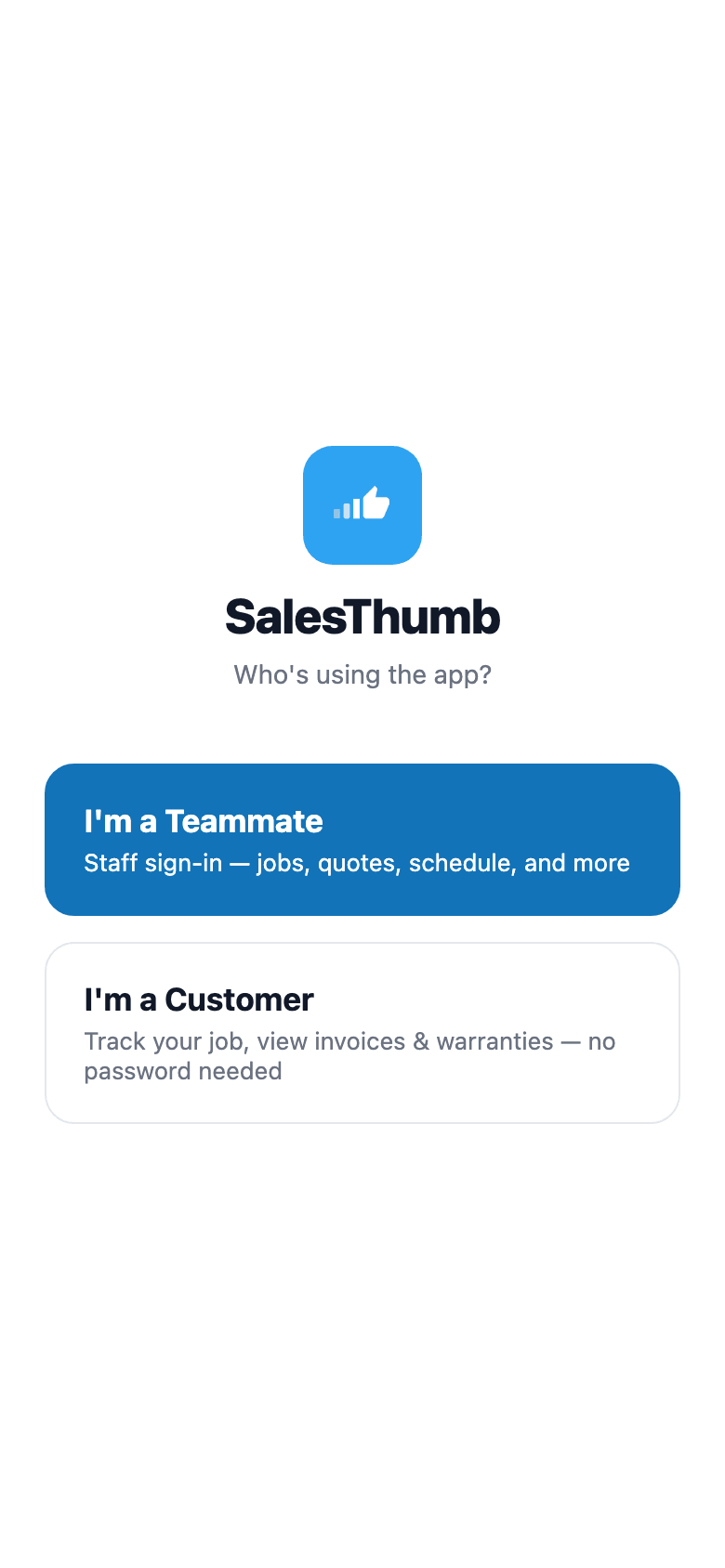
Staff login: Your team signs in separately from your customers.
- The same email + password account as the web app
- Sign-in stored securely on the phone, encrypted
- Stays signed in until the session expires or they sign out
The sign-in is stored securely on the phone, so the app doesn't ask again until the session expires or someone signs out.
A closer look
01
One account, one password, two apps
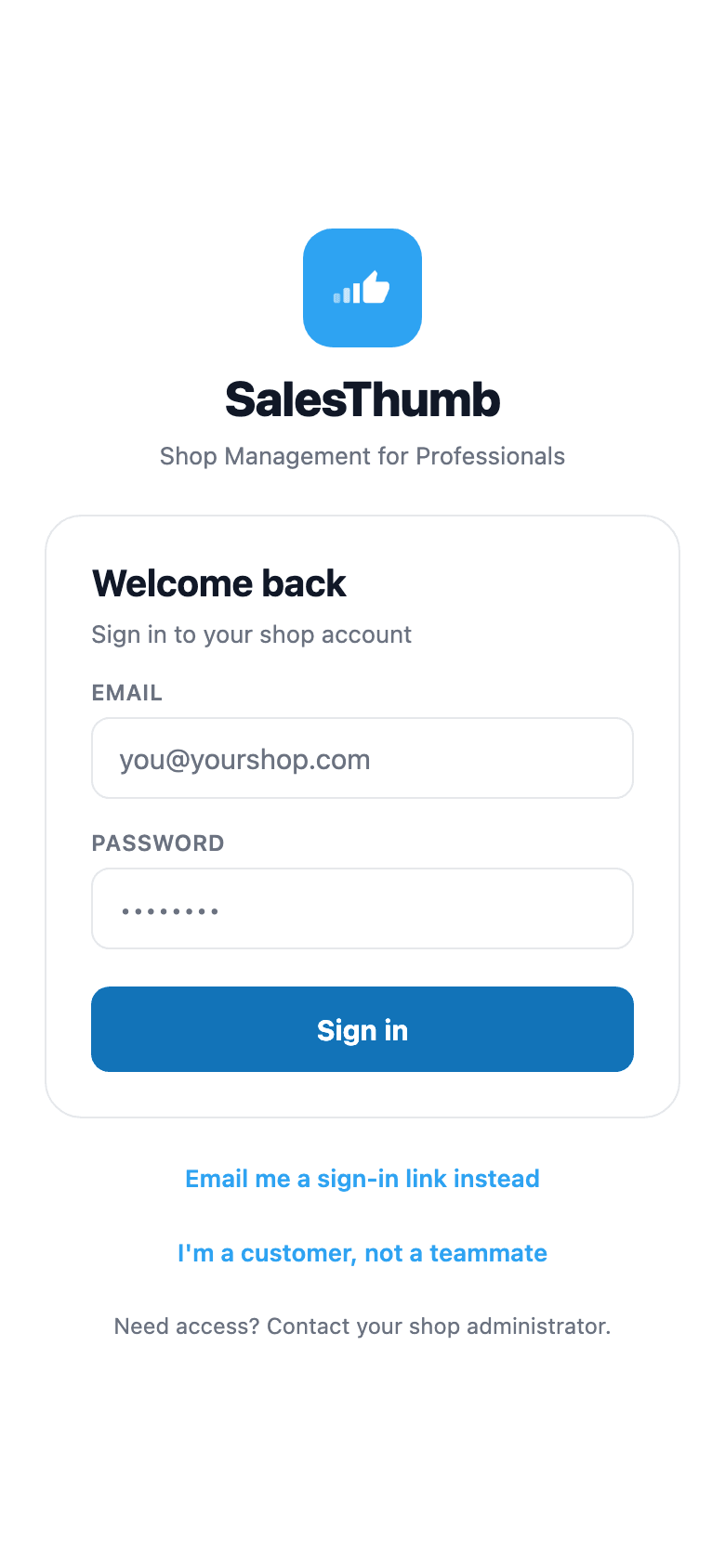
There's no separate 'mobile account' to provision. A tech's email + password is the same credential they'd use to log into the web dashboard from a shop computer — same user account, same role, same shop membership. Nothing to keep in sync, nothing that can drift out of date between web and mobile.
- Signs in exactly the way the web app does
- Role + shop membership come from the same account, not a mobile-specific copy
- New hire gets one invite, works on both web and mobile immediately
02
Signed in once, not every time you background the app
After sign-in, the app stores the session securely on the phone and uses it for everything the tech does next. Close the app, reopen it days later — still signed in (sessions last 7 days from last use), because the sign-in lives on the device instead of in a cookie the phone can clear.
- Token persists across app restarts and phone reboots
- No re-auth prompt on every launch
- Signing out clears the staff sign-in without touching a customer sign-in on the same phone
Everything it does
The complete list. The plan tag above shows which plans include it.
- The same email + password account as the web app
- Sign-in stored securely on the phone, encrypted
- Stays signed in until the session expires or they sign out
- Same role + permission model as web — no separate mobile permission set
- Kept separate from the customer sign-in, so one phone can hold both
A tour of the screens
Every meaningful view, the path through it, and the moments that matter — so you know exactly what you're buying.
Staff sign-in
Email + password, the same account as the web dashboard.
No separate mobile-only login.
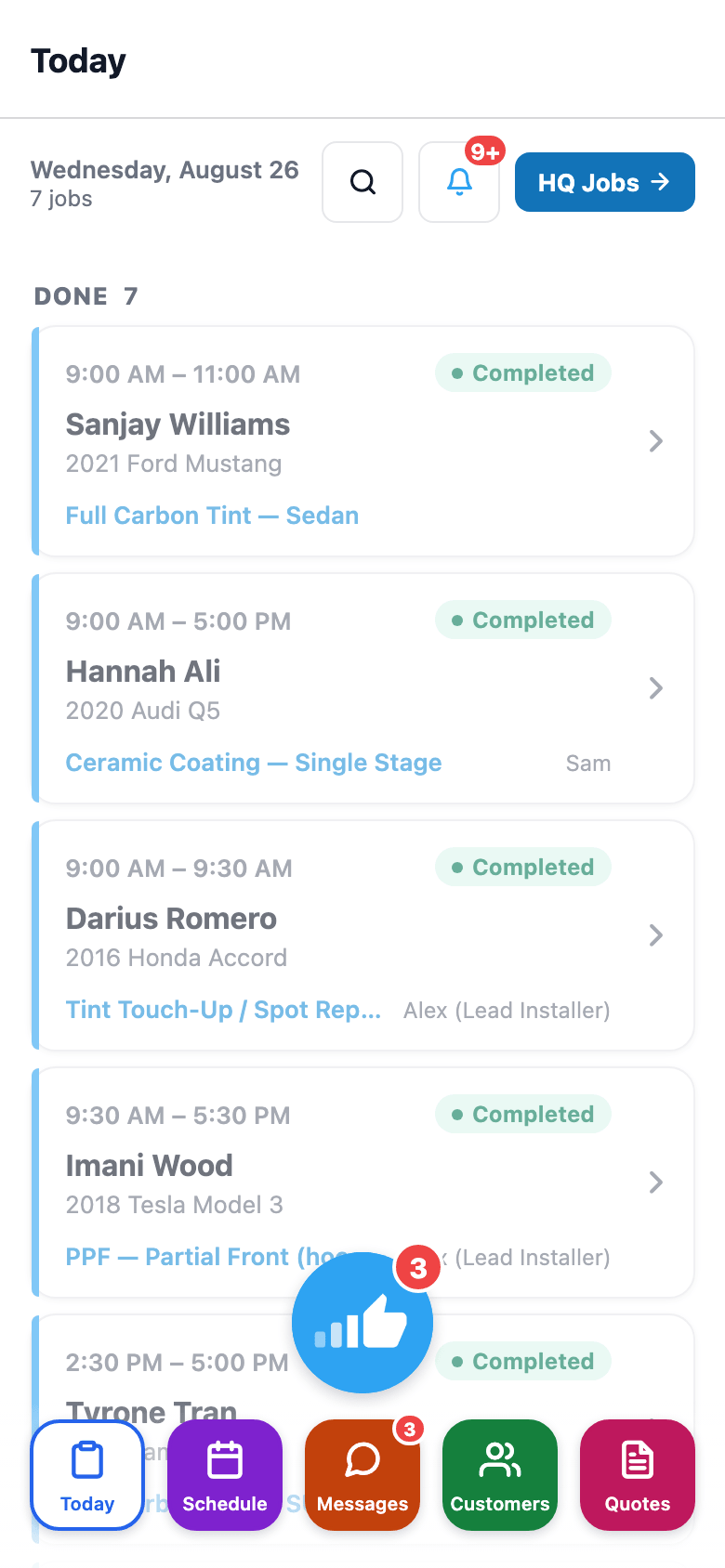
Straight to Today after signing in
The sign-in is stored securely on the phone and used for everything after that — no re-login on restart..
Who it's for
Built specifically for…
- Techs and installers who need the app open all day without re-logging-in
- Shop owners who want one credential to manage per employee, not one per platform
- Multi-location teams where the same login should work at any shop they're a member of
What it replaces
The old way…
- A separate mobile-only account with its own password to reset
- Re-entering credentials every time the app gets backgrounded
- Shared logins because setting up individual mobile accounts felt like too much overhead
Setting it up
- 1
1. Enter email + password
Same credential as the web dashboard — no separate mobile signup or invite.
- 2
2. The sign-in is stored on the phone
The app saves the sign-in in encrypted storage on the phone.
- 3
3. Every call rides on that token
From then on the app uses it for every action — no re-prompting.
What this looks like in a shop
Illustrative scenario: Marcus starts his shift, opens SalesThumb on his phone, and signs in with the same email + password he uses at the front-desk computer. He doesn't touch the login screen again for weeks — the app stays signed in through restarts and dead batteries, and after a mid-month phone swap he signs in once on the new device with the same credentials. If he ever needs to check his own warranty as a customer, that's a completely separate flow with its own session — the two never collide.
Good to know
- Which plan includes staff login?
- Starter, Growth and Pro include it (Starter: read-only). See the Pricing page for everything in each plan.
- Does this share a password with the web login?
- Yes — it's the same account. Resetting the password from the web's forgot-password flow signs out every session, so the mobile app asks for the new password on its next request.
- Can a phone stay signed in as both a customer and a staff member?
- Yes. Staff and customer sign-ins are stored separately on the phone, so a technician testing the customer login on their own phone doesn't get signed out of their staff session.
- What happens if someone loses their phone?
- The staffer can sign out every other session from their own Security settings on the web, and an owner or admin who archives or removes the team member revokes all of that person's sessions. Either way the mobile app is signed out on its next request.
Works with your stack
Better-Auth
Issues and validates the staff session
Expo SecureStore
On-device encrypted token storage
Pairs well with
Customer login
One app, two ways to sign in. Customers type name + phone, get a 6-digit SMS code, land in their own portal. Staff use email + password. Role decides which tabs they see.
Role-based tabs
Two dimensions decide what a teammate can open: mobile role (Installer / Sales / Both / None) gates the field tabs, membership role (Owner / Admin / Manager) gates the manager Dashboard. Set once in Settings → Team; the app shows and blocks screens accordingly.
Mobile Apps
The installer app shows today's schedule, captures photos, clocks in/out, and updates job status. The customer app shows their active job's progress, appointments, quotes, invoices, and warranty status. Both are native iOS + Android apps, live now on the App Store and Google Play as the SalesThumb app; a fully white-labeled app under your own brand is further out on the roadmap.